
Vault Platform by Refract Logic
Documentation
Generate • Deliver • Govern • Sign • Audit
End-to-end document automation - generation, workflows, e-signatures, delivery, and immutable audit - all running inside your Azure tenant. No external services. No data egress.
Start Here
New to Vault Platform? These three pages cover what it is, why it exists, and how to get running.
What is Vault Platform?
A complete document lifecycle platform built natively on Azure - seven integrated services under one governance model.
Why Vault Platform?
Understand the architectural decisions behind sovereign, tenant-hosted document automation.
Quick Start
Deploy your first template and generate a PDF from structured JSON in under 15 minutes.
Platform Services
Six integrated services that together cover the full document lifecycle. Each operates independently and composes with the others.
VaultPDF
Schema-driven PDF generation. Deterministic rendering from structured JSON using adaptive templates with full locale, currency, and layout control.
VaultWorkflow
Governed approval and data-collection workflows with compliance checkpoints, multi-step routing, and tamper-evident decision audit trails.
VaultESign
Electronic signature orchestration with legally defensible evidence packages, certificate management, and tamper detection.
VaultDelivery
Multi-channel document distribution with recipient tracking, delivery confirmation, and secure archive integration.
VaultLifecycle
Cross-document search, compliance audit timelines, integrity verification, and evidence workspace for regulators and auditors.
VaultAudit
Cross-product audit intelligence layer. Immutable event timeline, severity-based filtering, Verify & Reproduce, and Certificate of Verification — spanning every Vault Platform product.
VaultDispatch
Intelligent queue-based routing layer that orchestrates document operations across all platform services with retry and observability.
Integration Guides
Deploy Vault Platform through your existing Microsoft stack — no new tooling required.
Power Platform Connector
Use Vault Platform directly from Power Automate flows and Power Apps with the certified custom connector.
Dynamics 365
Trigger document generation and workflows natively from Dynamics 365 Business Central and Sales without leaving the ERP.
VaultPacks
Pre-built template and workflow bundles for common ERP document types — deploy in minutes, customise as needed.
Template Components
Production-ready templates — each includes a sample payload and live preview in the playground.
Invoice Template
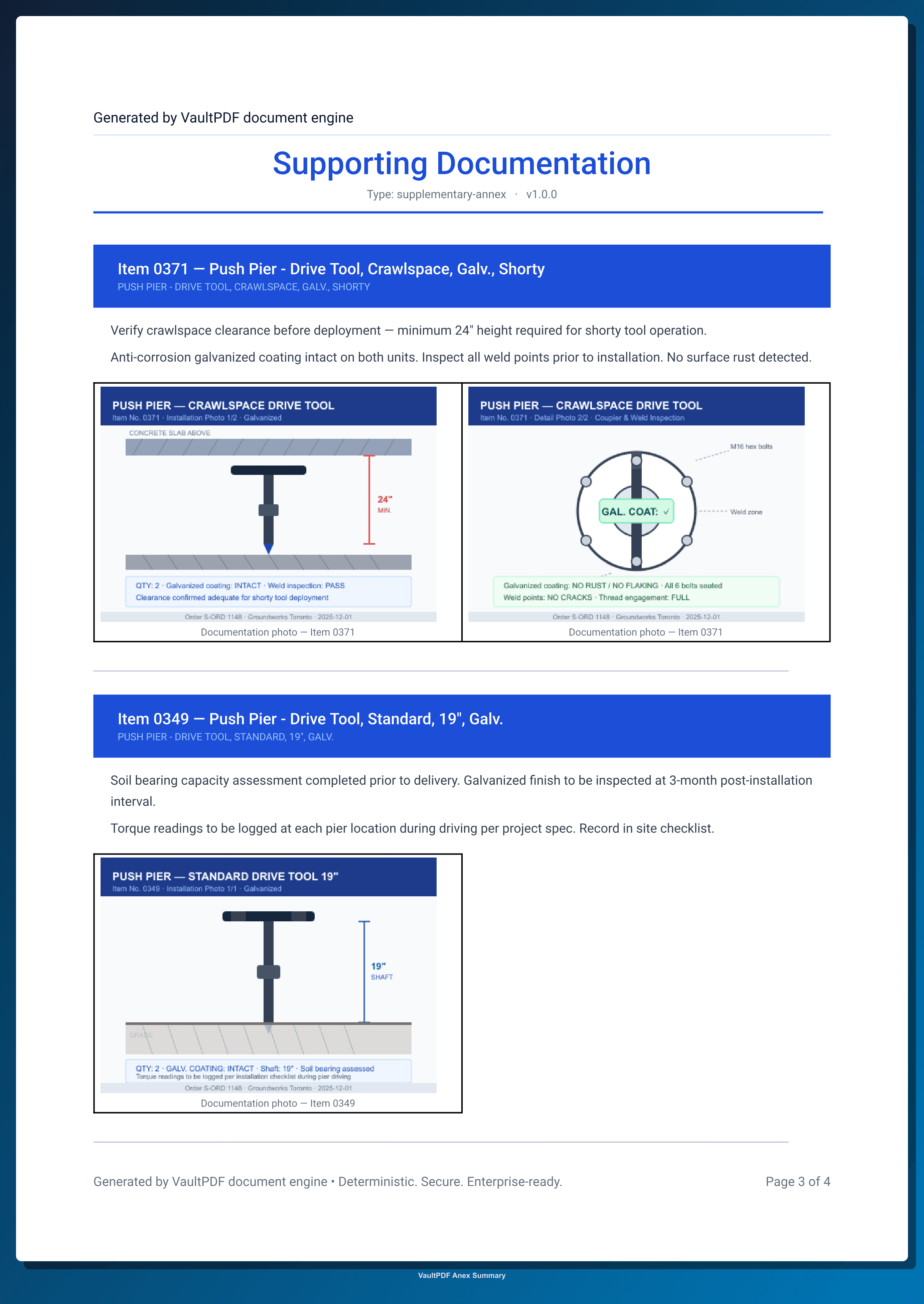
Generate structured invoices with dynamic line items, totals, and customer details.
Includes template, sample payload, and live preview
Approval Workflow
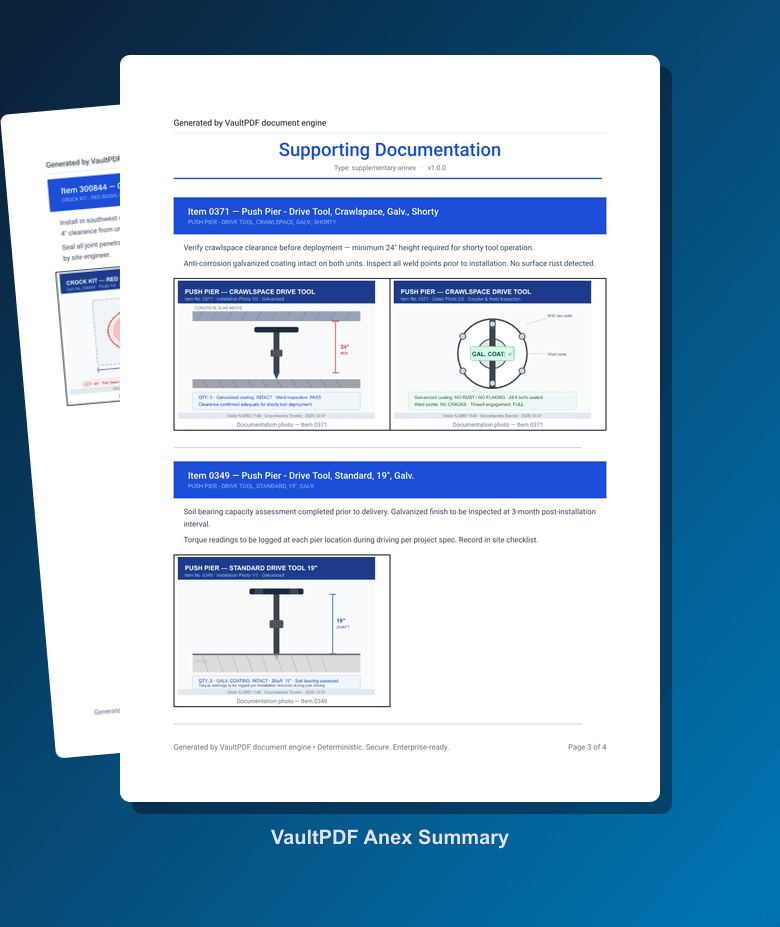
Multi-step approval documents with signature zones and a QR-verified approval page.
Includes template, sample payload, and live preview
Multi-page Report
Render large datasets across multiple pages with consistent layout and automatic pagination.
Includes template, sample payload, and live preview
Signature Document
Documents designed for digital or manual signatures with flexible required and optional zones.
Includes template, sample payload, and live preview